
Fund in local currency
Top up your wallet with a local deposit, ready to use straight away.
For funding your wallet
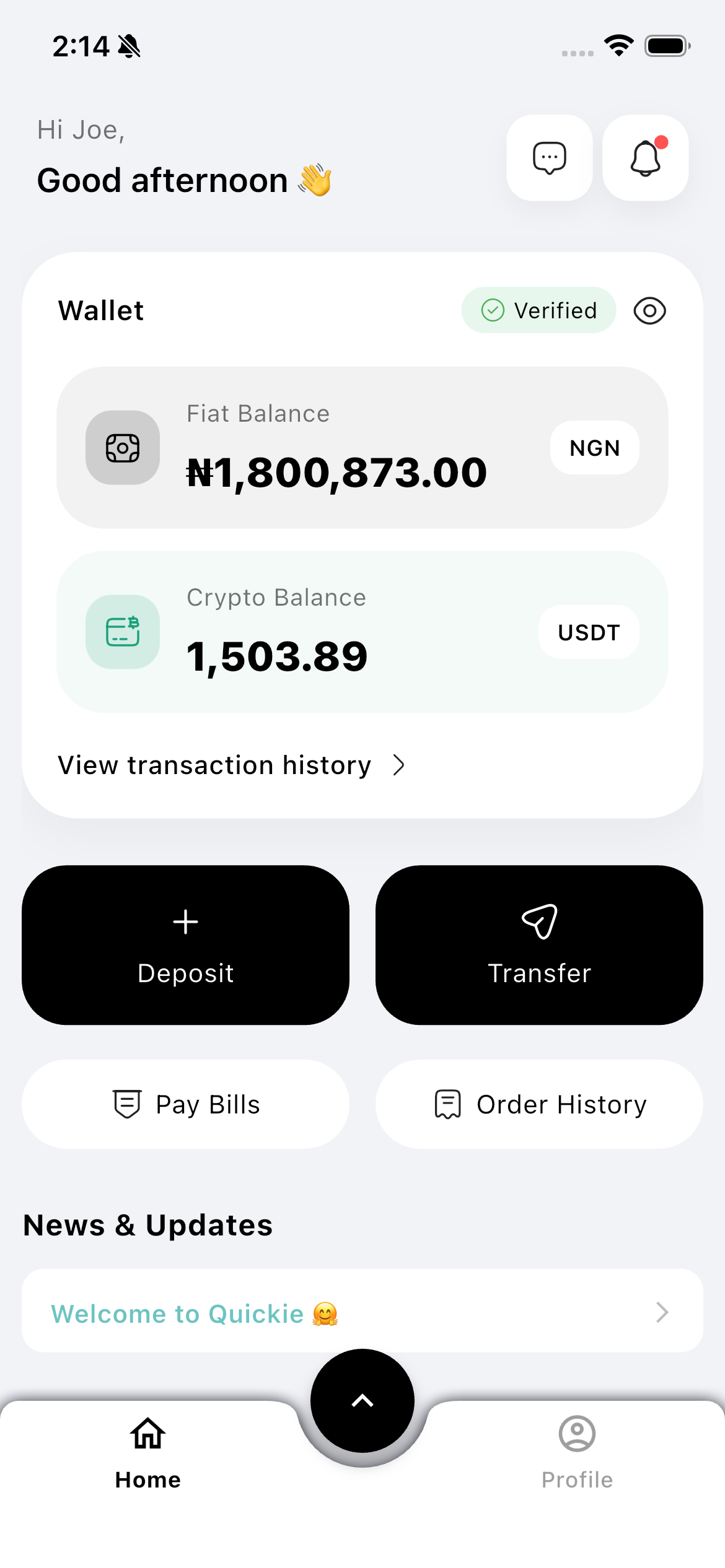
Fund your Quickie wallet with local currency, then convert into USDT or hold your balance — ready to send, spend, or cash out.
Convert either way, at a clear rate.
How it works
Fund your wallet with a local deposit in a few taps.
Turn it into USDT, or keep a local-currency balance.
Send, spend, pay bills, or cash out — all from the same wallet.
Top up your wallet with a local deposit, ready to use straight away.
Move between local currency and USDT whenever it suits you.
Hold local currency and USDT together — no separate accounts.
See the rate and amount before every conversion is confirmed.
Download Quickie and turn the money you have into money you can use, send, or receive.
FAQ
Fund your Quickie wallet with a local deposit, then use the balance to convert, send, spend, or cash out.
Yes — move from local currency into USDT or from USDT back into local currency, at a rate shown before you confirm.
Into your Quickie wallet, which holds both local-currency and USDT balances in one place.
More ways to move money