
A clear quote, every time
Know the rate and the exact amount you'll receive before you confirm anything.
For crypto holders
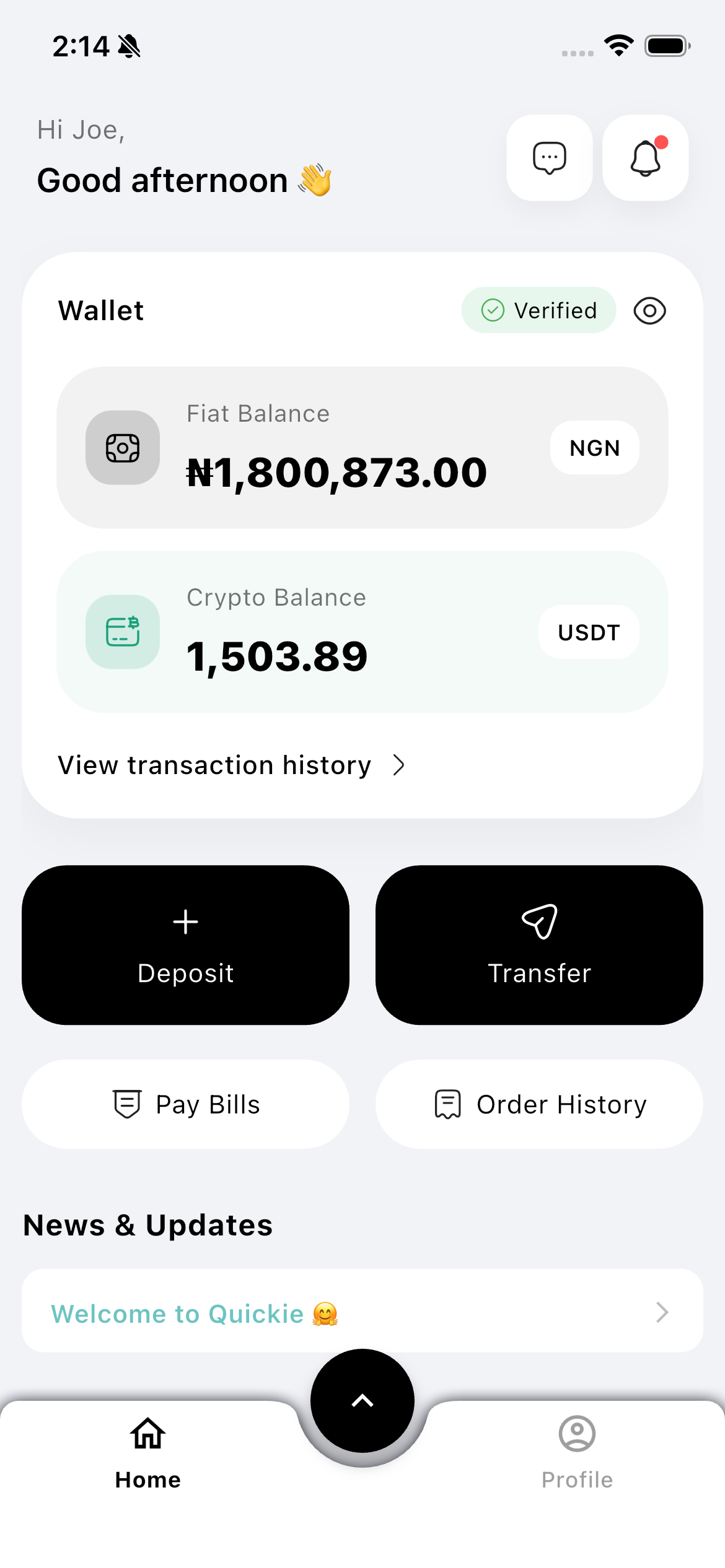
Convert USDT to your local currency and withdraw straight to your bank account — no switching apps, no manual conversions, no guesswork.
Live rates, shown before you confirm
How it works
Fund your Quickie wallet with USDT, or receive it from a client or contact.
See exactly what you'll get before you confirm — the rate and amount are shown upfront.
Send the local currency straight to your bank account, ready to spend.
Know the rate and the exact amount you'll receive before you confirm anything.
Payouts land in your local bank account — no extra steps to move money out.
Saved bank details mean your next withdrawal takes seconds, not minutes.
Verification, limits, and transaction history keep every cash-out accountable.
Download Quickie and turn the money you have into money you can use, send, or receive.
FAQ
You can convert USDT into supported local currencies and withdraw to a local bank account from inside the app.
Quickie shows the rate and the exact amount you'll receive before you confirm, so there are no surprises.
A quick KYC step keeps your account and payouts protected. Verification states stay visible so you always know your status.
More ways to move money